

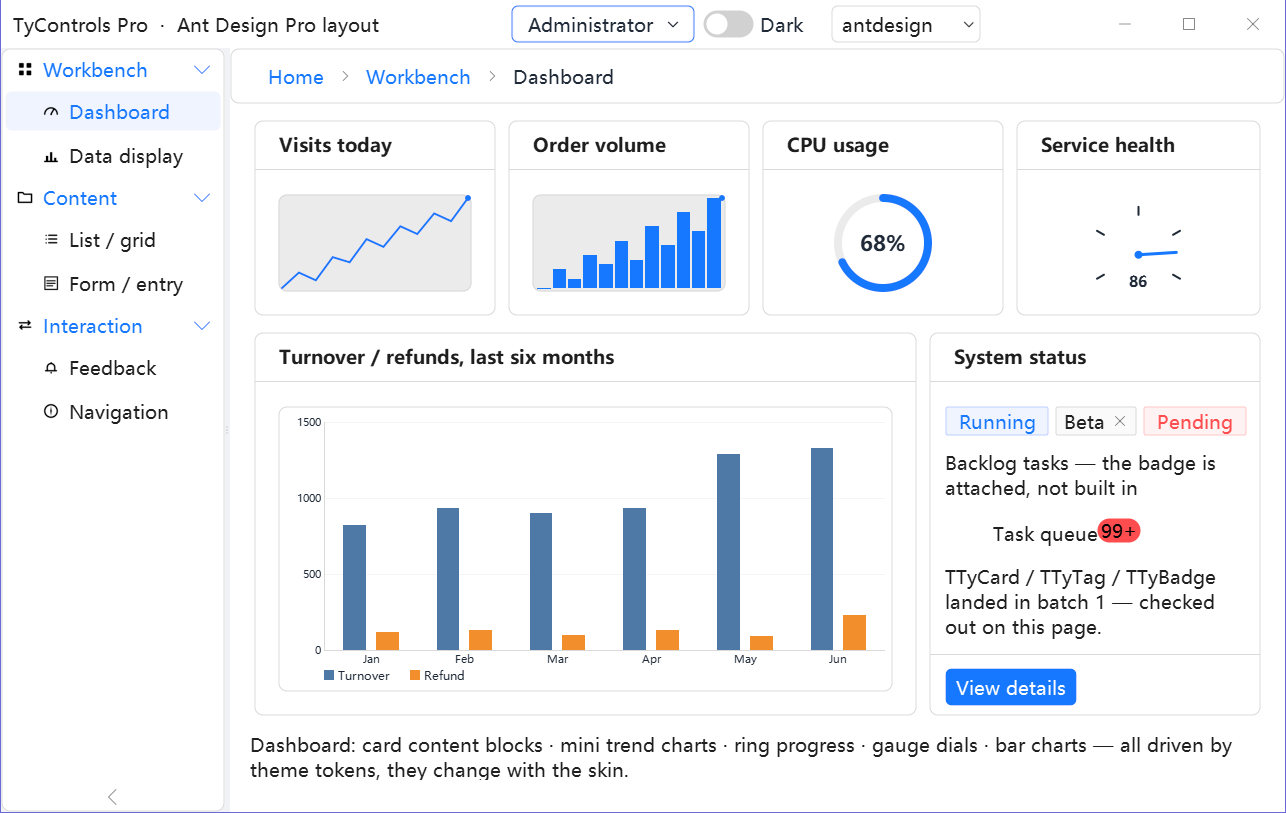
About
editTyControls is a component library for Lazarus. Its 165 controls are drawn by the library itself with BGRABitmap and styled by .tycss text themes, so an application looks the same on Windows, Linux and macOS. Changing the look of the whole application is changing one property.
Author: ACTom.
License: modified LGPL, the same as the LCL: closed-source applications may link it statically.
Download
editGitHub: https://github.com/ACTom/TyControls
Mirror: https://gitee.com/actom/ty-controls
Screenshots
editThe same window, only the theme name changed:
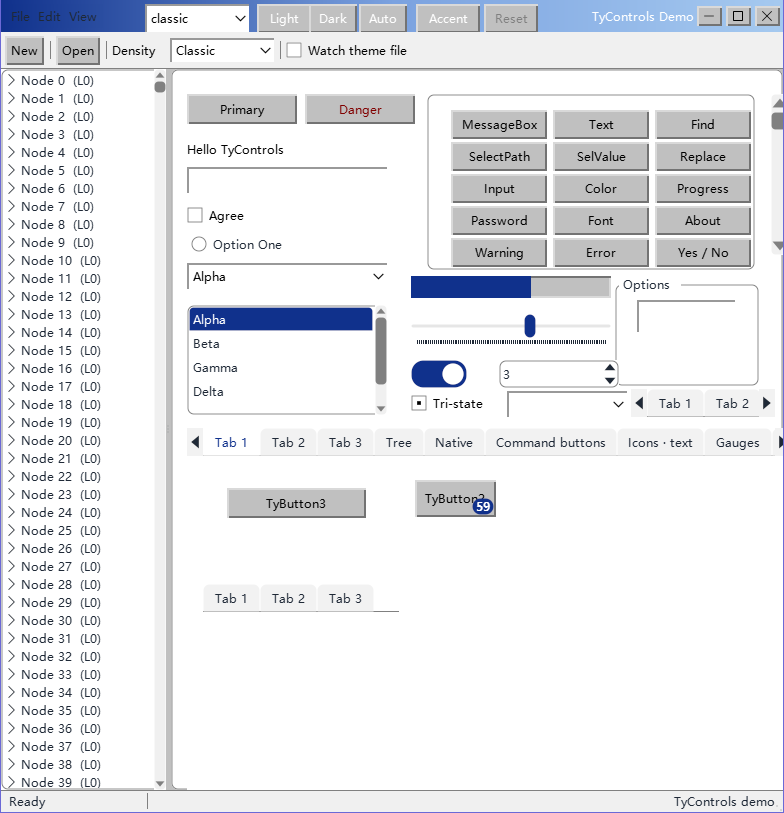
classic 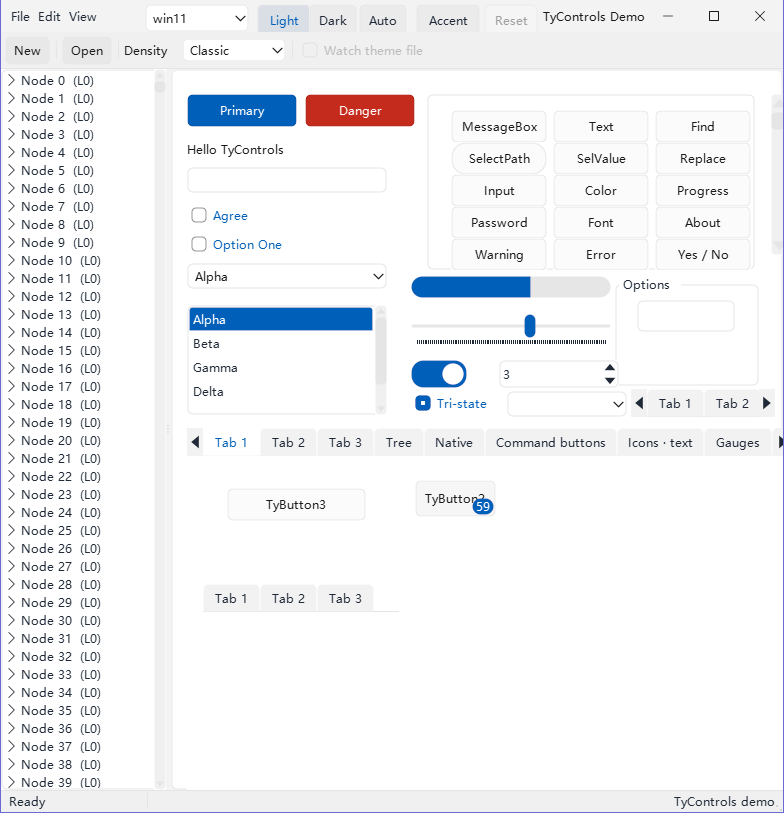
win11 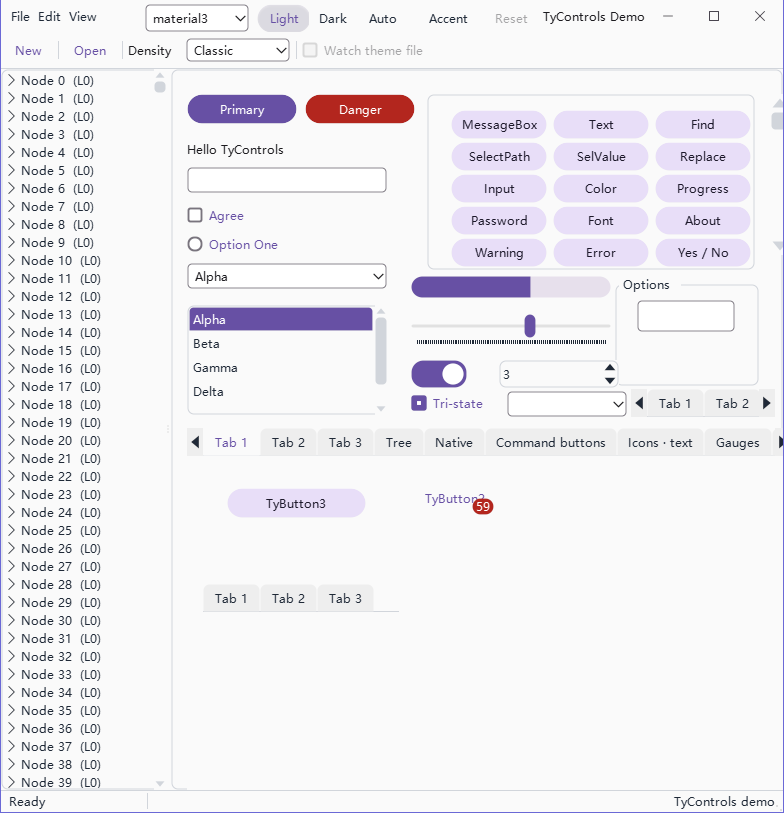
material3
Light and dark are two modes of one theme; green is an image theme, translucent controls over a photo:
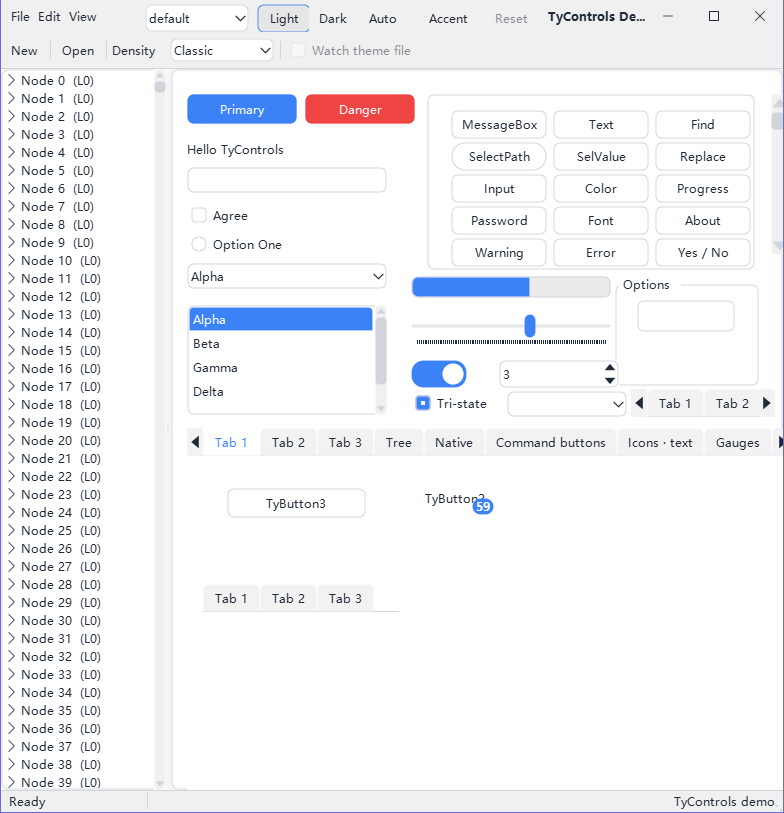
light 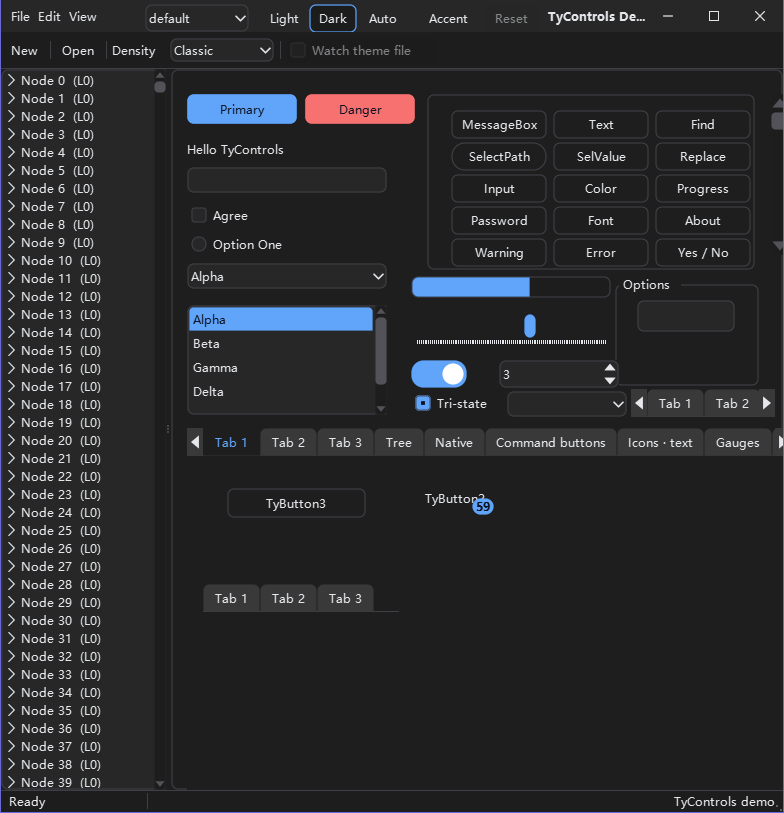
dark 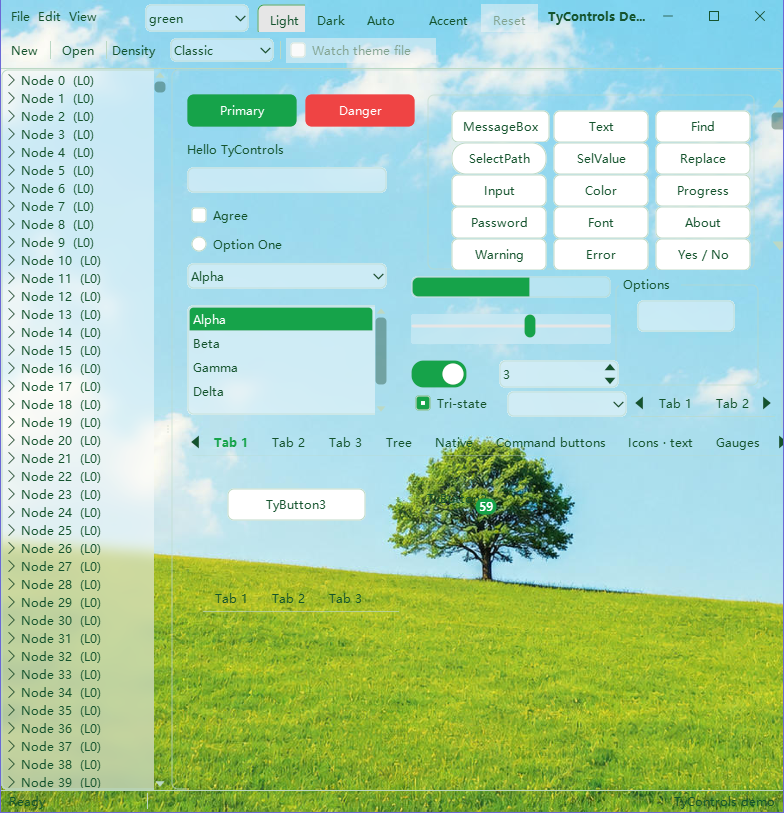
green
Some of the controls:
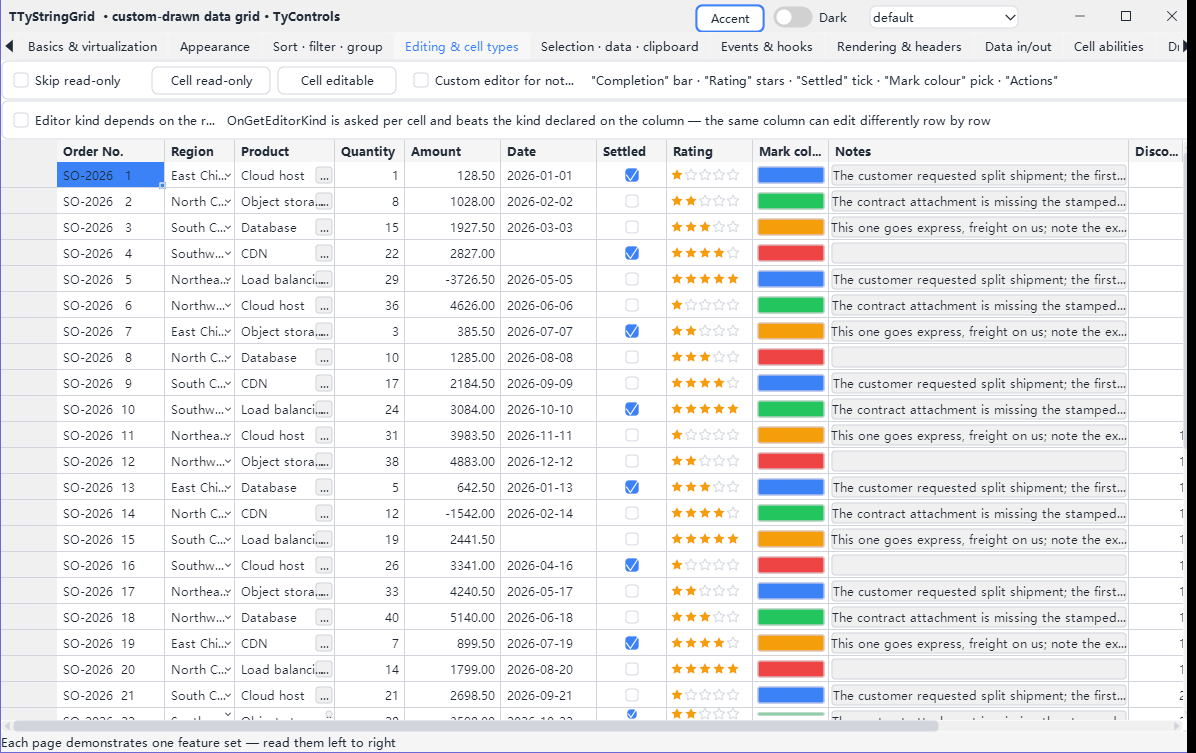
TTyStringGrid 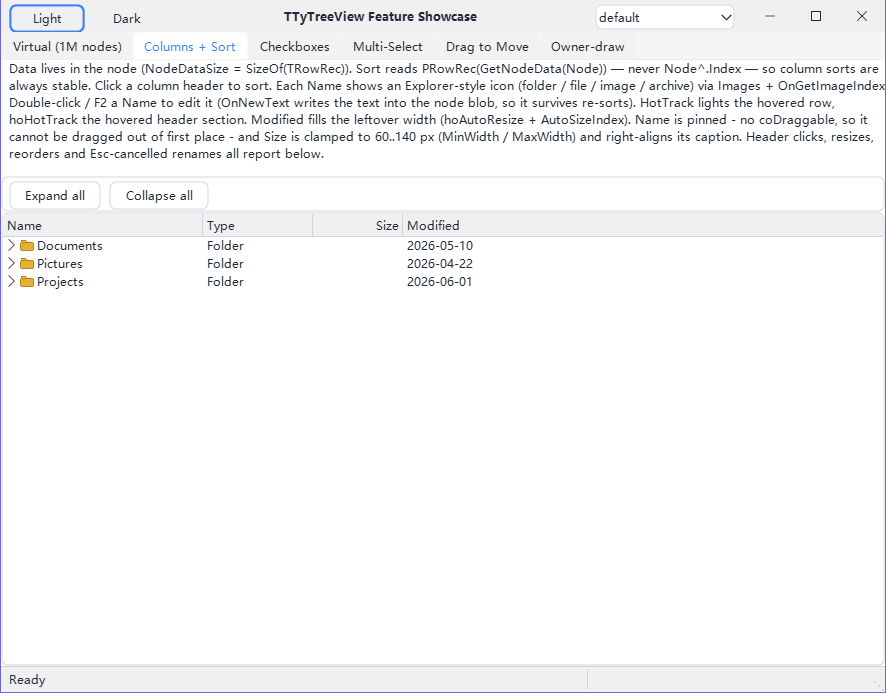
TTyTreeView 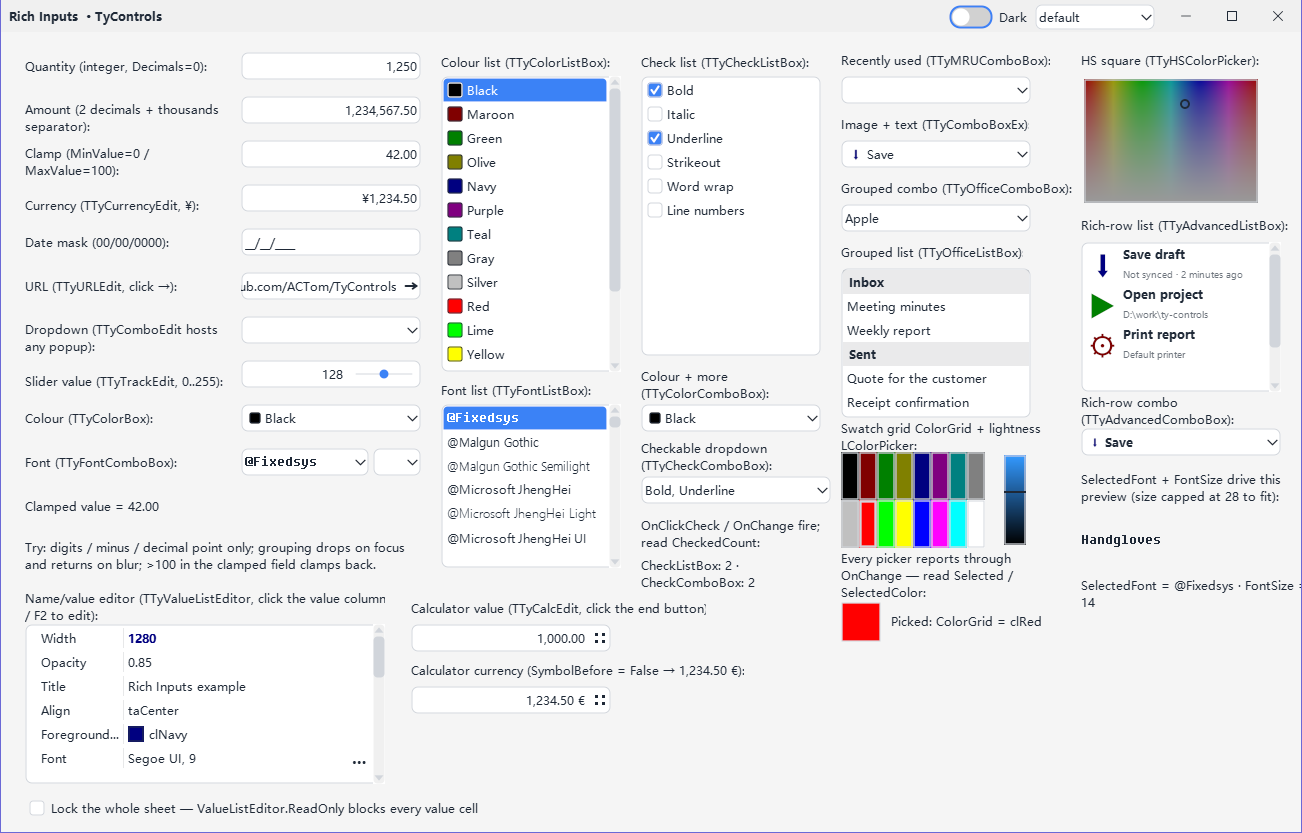
Rich input controls 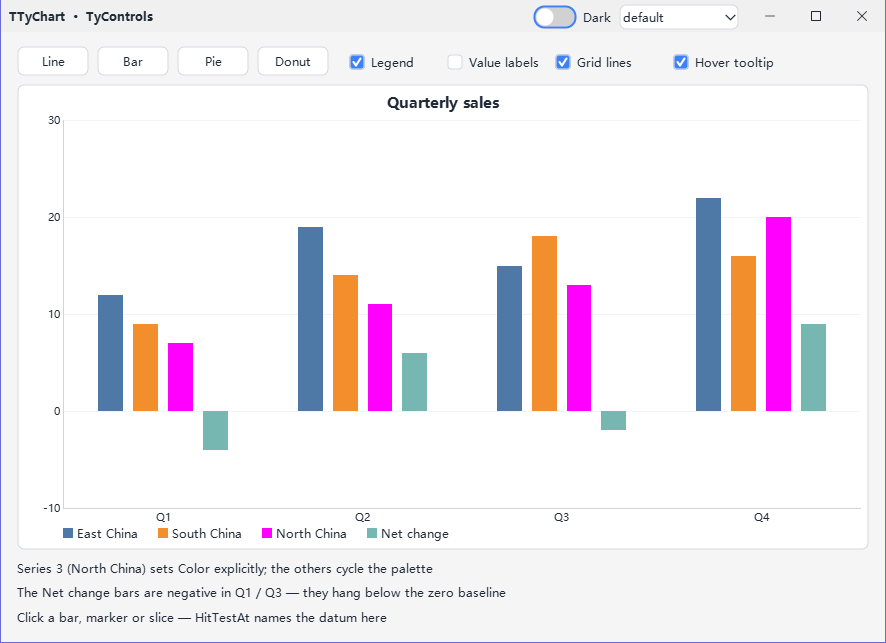
TTyChart 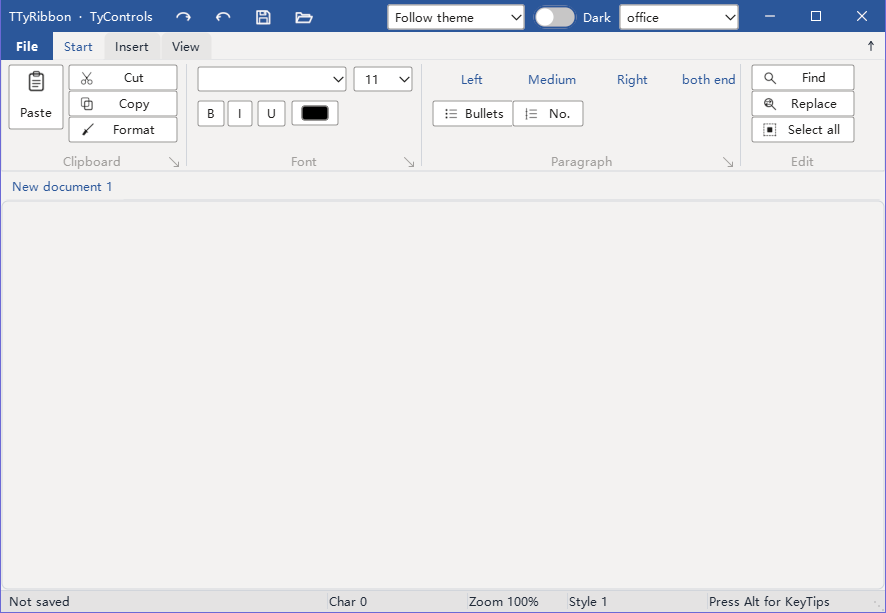
TTyRibbon 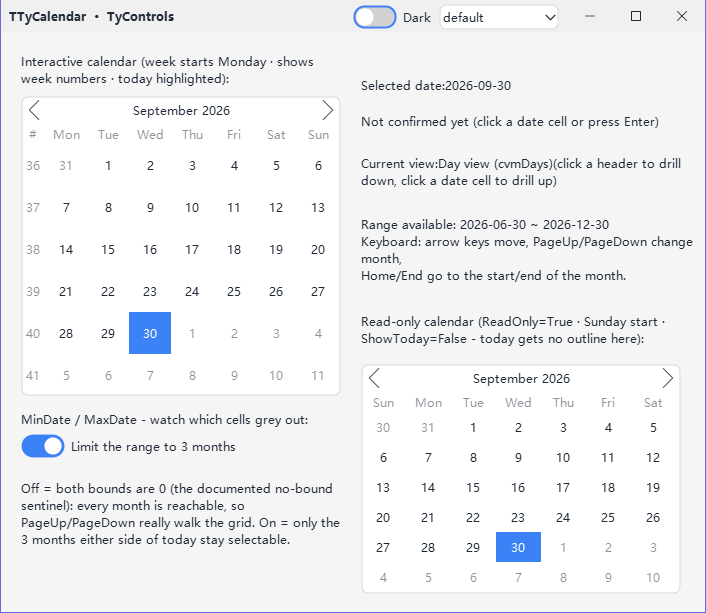
TTyCalendar
Every example and every tab page in light and dark, and all built-in themes side by side, are in the gallery.
Features
edit- 165 controls on 16 palette pages: buttons, edits, lists, a data grid, a virtual tree, a ribbon, a calendar, shell file browsing and 20 dialogs
- The same on Windows, Linux and macOS: no control wraps a native widget
- 17 built-in themes, picked by name at design time or at run time; light/dark and the accent colour can follow the OS
- Themes are text files, so restyling needs no recompile; a theme can also be loaded from a file or a string at run time
- Classic and modern looks, from Windows 95 bevels to flat Windows 11 and Material, with a switchable control density
- HiDPI: vector drawing, crisp at any scaling; a form adapts when dragged to a monitor with different scaling
- Designer support: palette icons, containers you drop controls into, live theme preview, File → New templates for projects and forms
- 2,022 built-in Lucide vector icons, referenced by name
- English and Chinese UI strings (gettext .po)
- More than 6,000 unit tests
Controls
edit| Palette page | Controls | Some of them |
|---|---|---|
| TyControls | 2 | TTyStyleController, TTyNativeStyler |
| TyControls Buttons | 8 | TTyButton, TTySpeedButton, TTyDropDownButton, TTyButtonGroup |
| TyControls Labels | 7 | TTyLabel, TTyHtmlLabel, TTyLinkLabel, TTyBadge |
| TyControls Edits | 14 | TTyEdit, TTyMemo, TTySpinEdit, TTyMaskEdit, TTyCalcEdit |
| TyControls Choices | 6 | TTyCheckBox, TTyRadioButton, TTyToggleSwitch, TTySegmented |
| TyControls Lists | 14 | TTyComboBox, TTyListBox, TTyCheckComboBox, TTyValueListEditor, TTyCascader |
| TyControls Pickers | 11 | TTyColorBox, TTyColorGrid, TTyFontComboBox, TTyShellComboBox |
| TyControls Gauges | 12 | TTyGauge, TTyMeter, TTyDial, TTyAnalogClock, TTySparkline, TTyRating |
| TyControls Bars | 15 | TTyTrackBar, TTyProgressBar, TTyStatusBar, TTyToolBar, TTyCoolBar, TTySteps |
| TyControls Containers | 20 | TTyPanel, TTyCard, TTyGridPanel, TTyPageControl, TTySplitter, TTyTitleBar |
| TyControls Data Views | 10 | TTyStringGrid, TTyTreeView, TTyListView, TTyCalendar, TTyDateTimePicker |
| TyControls Menus | 4 | TTyMenuBar, TTyPopupMenu, TTyImagesMenu |
| TyControls Ribbon | 7 | TTyRibbon, TTyRibbonPage, TTyRibbonGroup, TTyRibbonBackstage |
| TyControls Images | 11 | TTyIconFont, TTyLucideImageList, TTyImage, TTyVirtualImageList, TTyHint, TTyPopover |
| TyControls Shapes & Charts | 4 | TTyShape, TTyArrow, TTyChart |
| TyControls Dialogs | 20 | TTyMessage, TTyOpenDialog, TTyColorDialog, TTyFontDialog, TTyFindDialog |
The README has a line on every control; the per-control reference is in docs/controls.
Themes
editThe built-in themes are compiled in and picked by name:
- default (light and dark in one theme), system (follows the OS mode and accent colour)
- win11, win10, xp, classic, aero
- macos, adwaita, breeze, ubuntu
- material3, fluent, antdesign, bootstrap
- office, showcase
The repository also has the image theme green and a set of colour palettes. See Themes for writing your own, and the .tycss reference for the language.
Requirements
edit- Lazarus 3.0 or later
- FPC 3.2.2 or later
- BGRABitmap (package BGRABitmapPack)
| Platform | Widgetset |
|---|---|
| Windows | win32 / win64 |
| Linux | gtk2, qt5, qt6; gtk3 partially (issues under Wayland) |
| macOS | cocoa |
Known limitations are listed in known issues.
Installation
editOnline Package Manager
editIn Lazarus, open Package → Online Package Manager, tick TyControls and click Install. OPM offers to install BGRABitmap too if it is missing.
By hand
edit- Install BGRABitmapPack.
- Download the zip from the releases page and unpack it.
- Open tycontrols_dt.lpk and click Use → Install. The run-time package tycontrols.lpk comes with it as a dependency; the IDE rebuilds and restarts.
Getting started
editFile → New… → Project → TyControls Application creates a main form with a custom-drawn title bar, the content container Surface and a style controller. Put your controls on Surface. To add such a form to an existing project, use File → New… → Form → TyControls Form.
Set ThemeName on the TTyStyleController and the designer redraws with that theme. At run time, register the built-in themes once and switch the same way:
uses
  tyControls.BuiltinThemes;

procedure TForm1.FormCreate(Sender: TObject);
begin
  TyRegisterBuiltinThemes;                 // once: makes the built-in themes available by name
  TyStyleController1.ThemeName := 'win11'; // any built-in theme
  TyStyleController1.Mode := 'dark';       // 'light' or 'dark'
end;
Setting Follow to tfFollowSystem lets the OS decide between light and dark instead.
Documentation
edit- Getting started
- Control reference (Chinese)
- Themes and the .tycss reference
- Events
- Known issues
- Changelog
Questions and bug reports: GitHub issues.