

TPlaySound is a component to play WAV files in Windows and Linux.
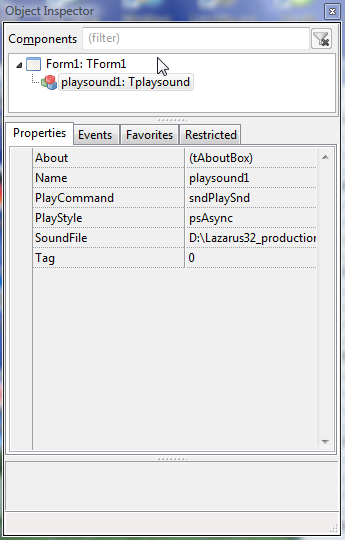
Usage
- Set the play mode to switch according the OS:
procedure TfrmMain.FormCreate(Sender: TObject);
begin
...
  playsound1.PlayCommand :=
    {$ifdef windows}'sndPlaySound'{$endif};
    {$ifdef linux}'aplay -q'      {$endif};
    {$ifdef darwin}'afplay'       {$endif}; //There is no statement that TPlaySound works on MAC, but at least it will not create an exception.
...
end;- Set the SoundFile property to the path of your WAV file
- Set the PlayStyle to psAsync or psSync
- Call the Execute method
playsound1.execute;Download
- TPlaySound is available from the Lazarus CCR Repository.
I can also be installed directly from the Lazarus IDE: Main Menu — Package — Online Package Manager — PlaysoundPackage.
- AFter installation it is present in the LazControls tab.