

Geral
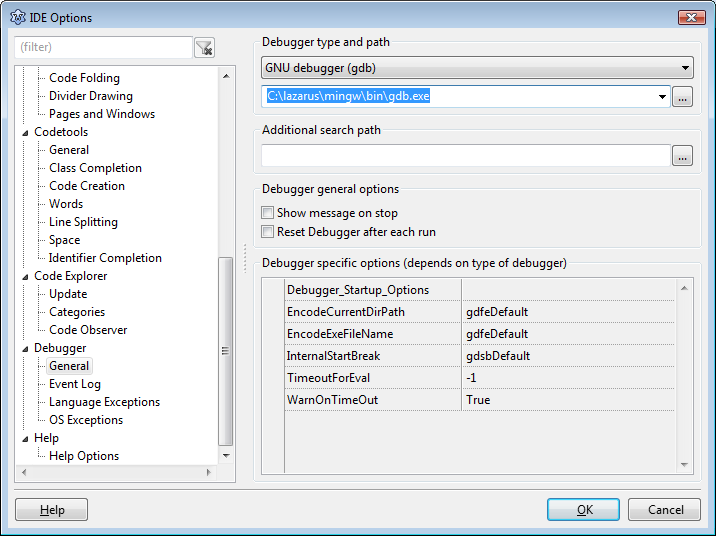
Tipo de depurador e caminho
Escolha o depurador.
- None - Nenhum depurador. Em Executar, simplesmente executa o programa.
- GNU debugger (gdb) - O gdb não é parte do Lazarus. A menos que você esteja usando Windows, você precisa instalá-lo você mesmo.
Este é o conector para gdb. Você precisa configurar o ccaminho do gdb (por exemplo /usr/bin/gdb) no campo abaixo.
- GNU debugger through SSH - para depuração remota. Você precisa usar a conexão SSH para outro computador e executar o gdb nele. Você precisa da conexão SSH sem prompt de password. Veja na documentação do SSH sobre como fazer isso.
Additional search path
You can add extra directories, where to search for sources, named in the debugging information of the executable. This is used for all projects.
Debugger general options
Show message on stop
Enable this to show a notification, when programs stops.
Debugger specific options
Each debugger type has special options.
GNU debugger (gdb)
- OverrideRTLCallingConvention:
This is an internal flag and can stay default. To handle software exceptions, Lazarus uses some internal breakpoints on locations where these exceptions are raised. When an executable is fully compiled with debug info (thus also the RTL) one can retrieve the agruments passed to those exception routines. However that is usually not the case, so Lazarus has its internal way of examinig the callstack and registers. In order to interprete those arguments correctly it needs to know what the internal calling convention was of those routines. Pre FPC 1.9.x arguments were passed on stack. Nowadays arguments are passed in registers. In case the the FPC version detection routine draws the wrong conclusion, one can override the calling convention here.
Event Log
General
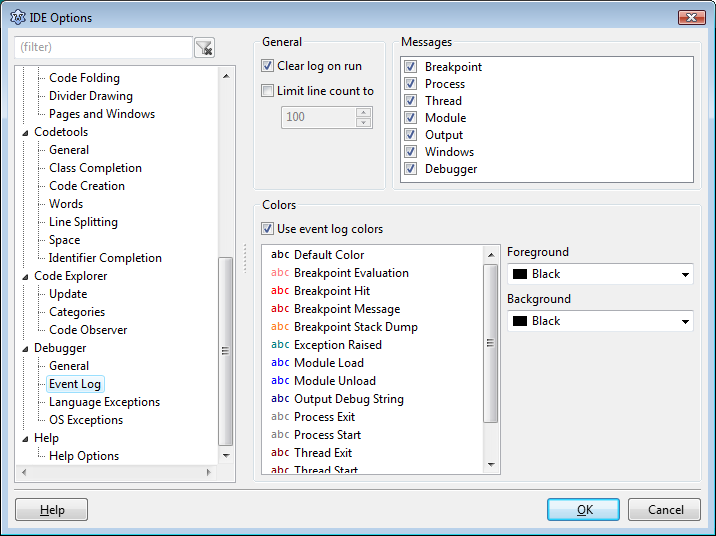
Eventually logging info should go the the event log, for now it is show in the debug output window.
- Clear log on run: clear the event log, on each start of the program.
- Limit line count to: keep only the last lines of output.
Messages
(not implemented)
This controls which messages are logged in the event log
Language Exceptions
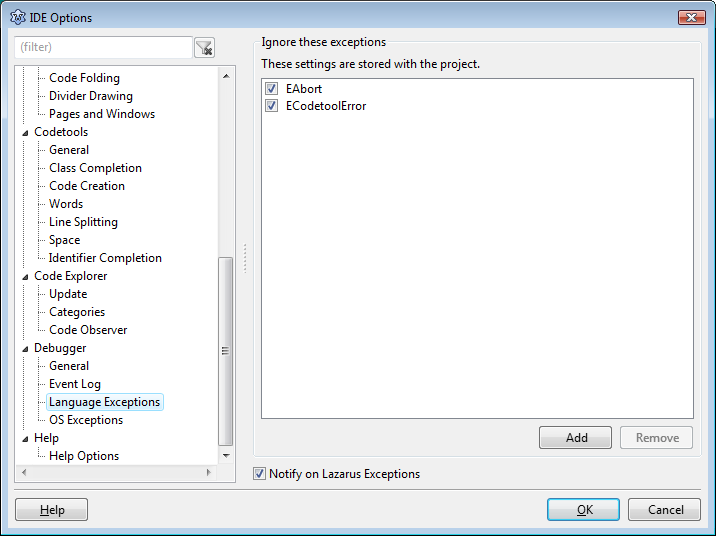
Programs can raise exceptions. For example, when a file can not be read. Here you setup, if the debugger should stop on an exception.
Ignore these exceptions
Add your exceptions to ignore here. For example: EDivByZero
Break on Lazarus Exceptions
Uncheck this option if you don't want to stop on any exception
OS Exceptions
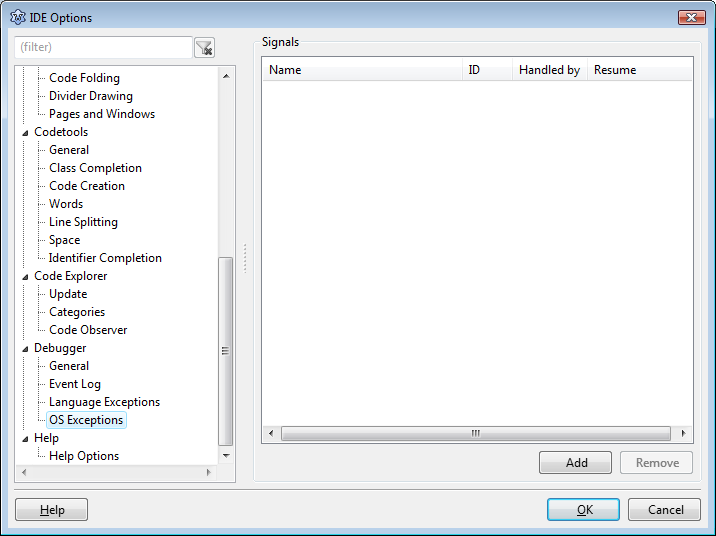
Signals
(not implemented)
Defines if signals should be handled by the debugger or by the user program. For instance, an div by zero is first signalled by the OS. Then the FPC RTL translates this to an EDivByZero. When the signal is handled by the debugger, the program is stopped before the RTL translates this message. Currently the debugger always stops on a signal.