

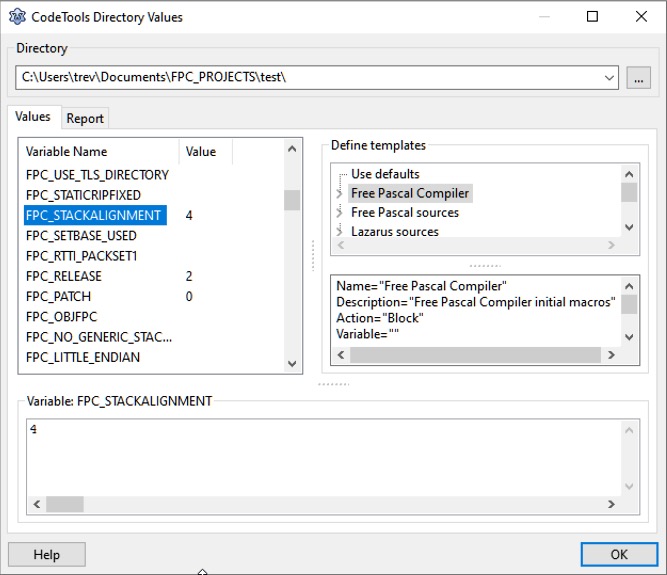
The CodeTools Directory Values dialog is reached from the Main Menu > Source > Unit Information - Show CodeTools Values button.
This dialog shows the codetools values for a specific directory and how the values were created.
At the top is the combobox to select a directory.
At the left, in the middle, is a list of variables and values.
At the right are the nodes and below are the current values of the selected node.