

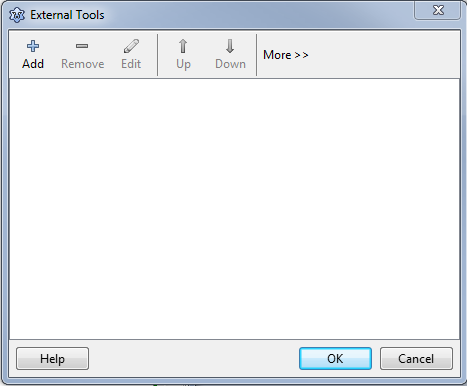
Add
editOpens the External Tool dialog to add a new tool.
Remove
editDelete the currently selected item. It will ask, if you want to do that.
Edit
editOpens the External Tool dialog to edit the currently selected tool.
Up
editMove the current item one position up.
Down
editMove the current item one position down.
Ok
editSave changes and close dialog.
Cancel
editDiscard changes and close the dialog.